Tribe Tips & Tricks
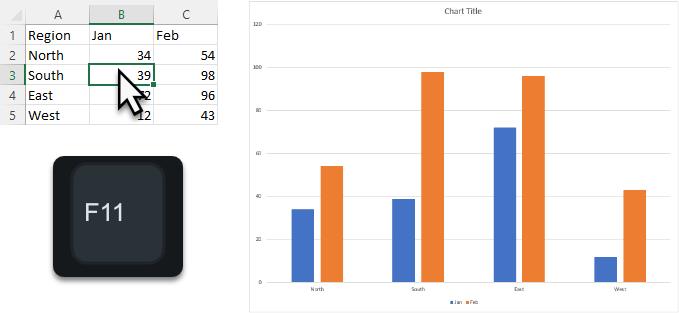
Instant Chart
Excel charts are one of the most effective ways to present information. In the Excel desktop app, you can create a chart in 1

Excel charts are one of the most effective ways to present information. In the Excel desktop app, you can create a chart in 1

Teams on the web now supports blur or replacement of background in video meetings and calls. Even if you use the Teams desktop app
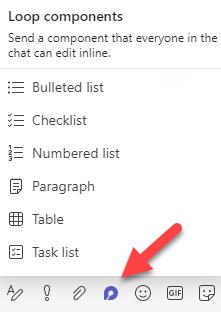
Loop components allow you to co-author in real-time without needing to be in an Office document ? Effortlessly create a bullet list, paragraph, or
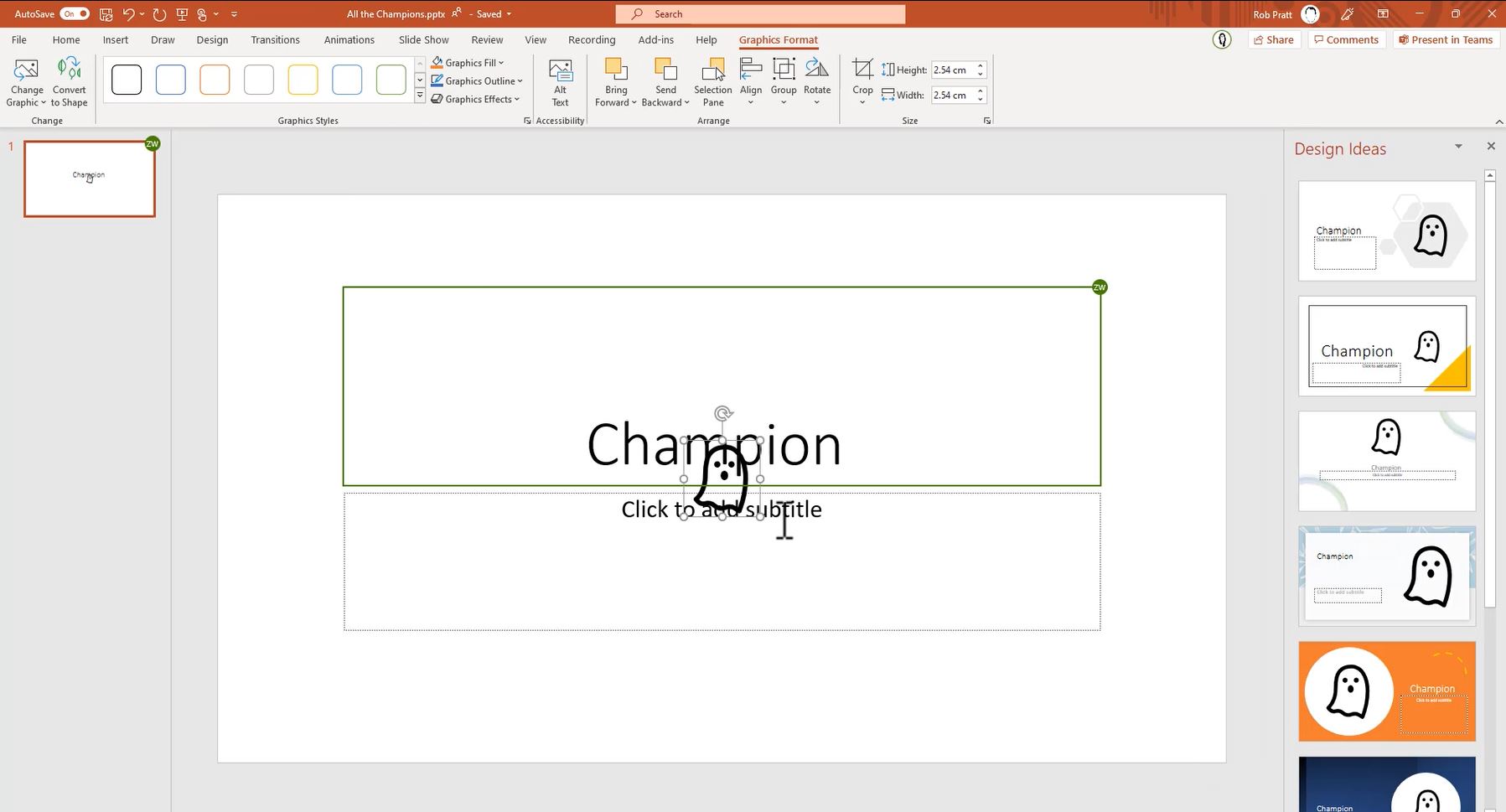
Feeling mischievous this Halloween? The next time you see a colleague is working on the same document as you (you can see their name

Sometimes there is a Post so important that it will need to be easily located at a later date. This could be to highlight

✔ We have always had the option to Reply toposts in a Teams channel ✔ We can now also Reply to posts in Teams

Make replacing an existing image easy by using the Change Picture feature. Replace an existing picture without the effort of deleting the original and

Interacting with large Excel files can be frustrating Improve the viewing experience by freezing headings; making them alwaysvisible, no matter how much you scroll

During a Teams meeting when sharing your screen, the Presenter mode controls how your webcam is displayed. The default mode is called Content Only,