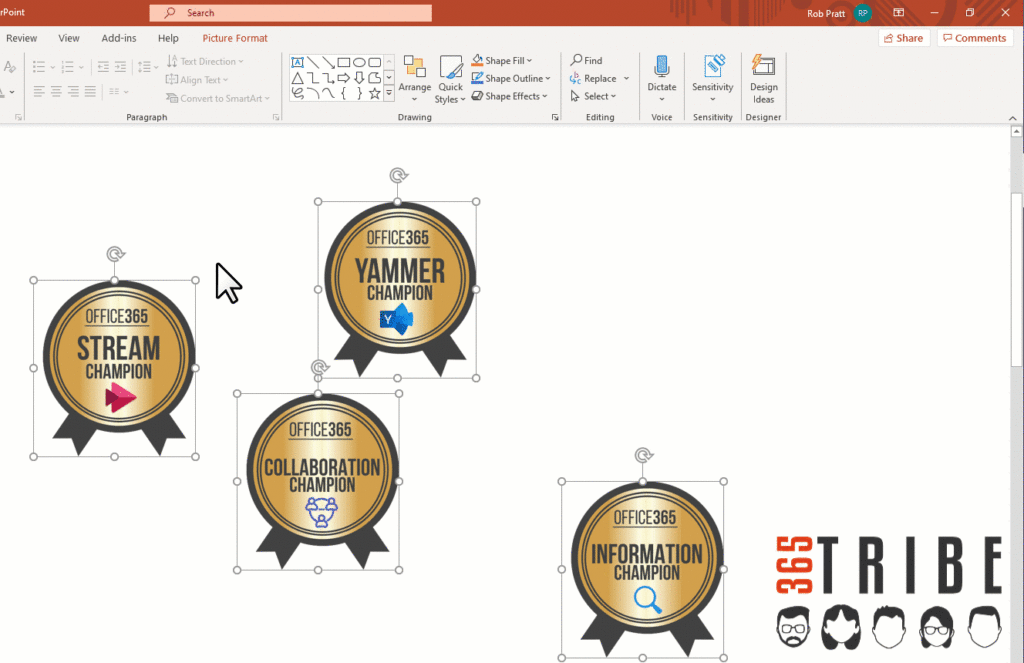
Align and Distribute!
Wonky Documents and Slides with meandering images reduce the impact of your content.
No need to painstakingly nudge each piece of content into position!
Use the Align and Distribute features to instantly get the perfect professional look
How?
1. Select two or more images
2. In the ribbon (at the top of the screen), click Picture Format then Align
3. Click the appropriate Align or Distribute option!